
POWER UP YOUR POST-PRODUCTION sKILLS
Understanding RAW processing for Mac
with Adobe Camera RAW
Learn how to use the Adobe Camera RAW window in Photoshop CC to edit your RAW files, so as to enhance your images and get the most out of what you shoot.
Write your awesome label here.

For Mac users

£79 for lifetime access
From puzzled to proficient, improve your editing prowess
Processing RAW files can seem daunting, especially if you are new to the whole process. It requires some solid computer skills, a knowledge of file formats, as well as learning about a whole load of other terminology and methods to do with editing and post-production.
Learn how to use the many tools found in Photoshop's subscription-based program to enhance your images, so you get results that are magazine-worthy and the envy of other photographers.
17 lessons | 10 + hours of video tutorials | expert advice
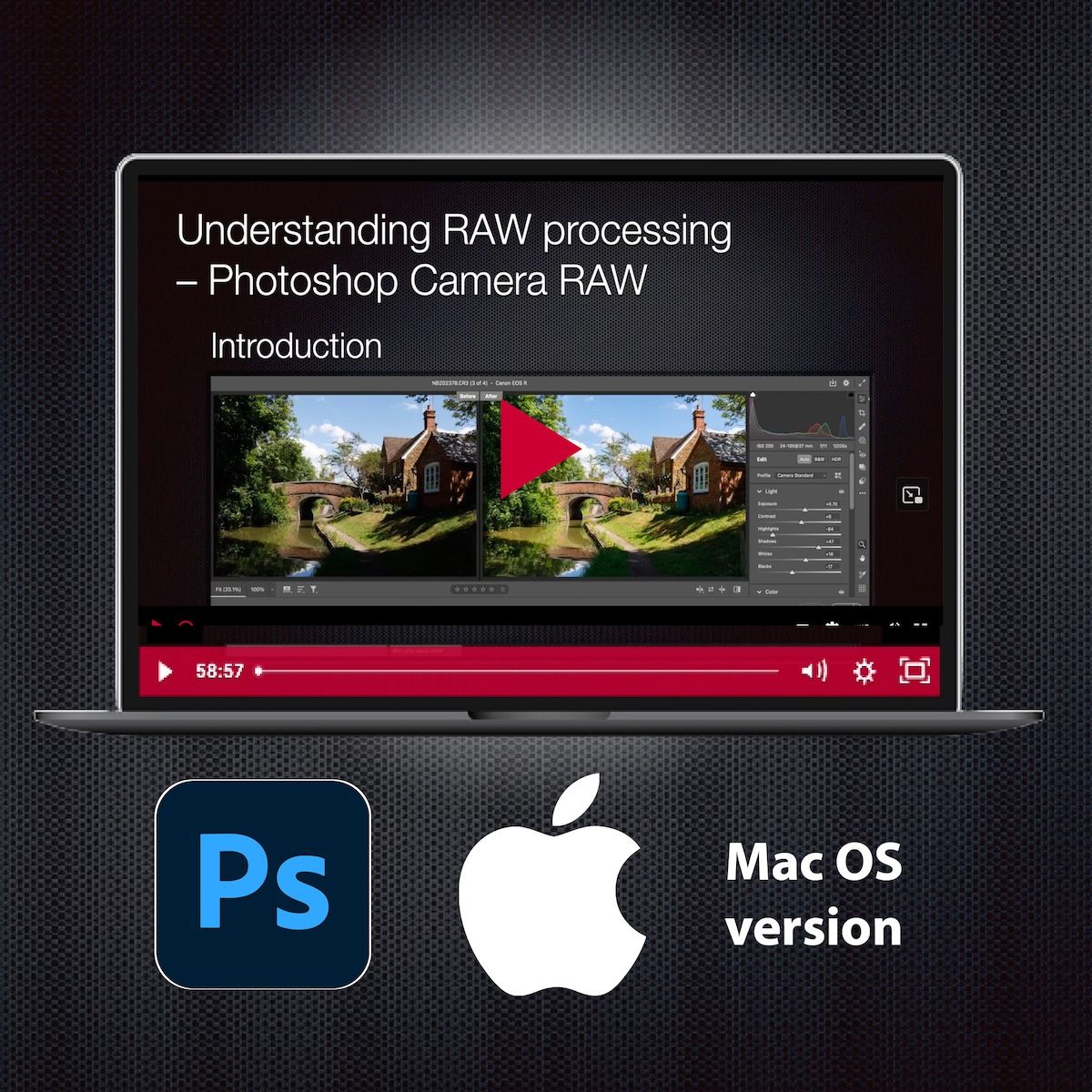
Press play to watch the 1st lesson in full, for free
Get the full course now!
Buy the full Understanding RAW processing course (Mac version) and get 20+ hours of video tutorials to watch and learn at your leisure, plus RAW files to practise with – only £79 for lifetime access.
Why this Photoshop Course?
-
16 in-depth lessons
-
20+ hours of video
-
110 practice image files
-
Watch as often as you like
-
Subtitled videos
-
Includes course certificate
Adobe Photoshop vs Lightroom
This course has been designed specifically for the subscription-based version of Adobe Photoshop, specifically using the Camera RAW Window. Over 90% of what is shown will also be applicable to using the Camera RAW window in Lightroom CC (cloud-based version), but very different to Lightroom Classic.
This course is not suitable for older versions or Photoshop, or Photoshop Elements.
This course is not suitable for older versions or Photoshop, or Photoshop Elements.
Watch & Follow Along
You'll get a combination of streamed camera content so you can see how to navigate round Adobe Photoshop and use its many tools and features to best effect on your images. Comparisons are shown, plus the exact images shown on-screen are supplied so you can follow along and carry out the same editing steps.
Write your awesome label here.
Navigate with confidence around Photoshop
Write your awesome label here.
Learn about Masks and Generative AI features
Write your awesome label here.
Understand the workflow steps needed
Write your awesome label here.
Learn how to merge multiple files
Testimonials
What our learners say
Kevin B
Harry K.
Course Content
Meet YOUR Tutor
Nina Bailey
A true Canonite, Nina has only ever used Canon camera gear. After working for Canon UK in the 1990s – training dealers on new products and running events – she struck out on her own to set up a photography training business for amateur and enthusiast photographers in 2000.
An experienced tutor, she's the founder of EOS Academy where she directs the training programme, and she's also Technical Editor of EOS magazine, the original Canon magazine for EOS enthusiast photographers.
Whatever you want to know about your Canon EOS camera and your photography, Nina knows it. She's used almost every EOS camera there is and loves all the nitty-gritty techy 'how it works' stuff. But her real skill is in putting this across in a straightforward, jargon-free way so you can learn when to use your camera's features and how to make the most of your camera. So start your learning journey here.
An experienced tutor, she's the founder of EOS Academy where she directs the training programme, and she's also Technical Editor of EOS magazine, the original Canon magazine for EOS enthusiast photographers.
Whatever you want to know about your Canon EOS camera and your photography, Nina knows it. She's used almost every EOS camera there is and loves all the nitty-gritty techy 'how it works' stuff. But her real skill is in putting this across in a straightforward, jargon-free way so you can learn when to use your camera's features and how to make the most of your camera. So start your learning journey here.
Patrick Jones - Course author

Unit 8 Somerville Court, Trinity Way, Adderbury, Banbury OX17 3SN
hello@eostrainingacademy.co.uk | +44 01869 331741
hello@eostrainingacademy.co.uk | +44 01869 331741
Copyright © Robert Scott Publishing 2026
Created with